


WEIMI / THE EVERYDAY MEAL STOP
Ready-meal vending machine.
Pick it up. Warm it up.
Self-service meals, customer-loaded microwave heating and remote stock tools.
Buyer answers ↗Heating service ↗Margin planner ↗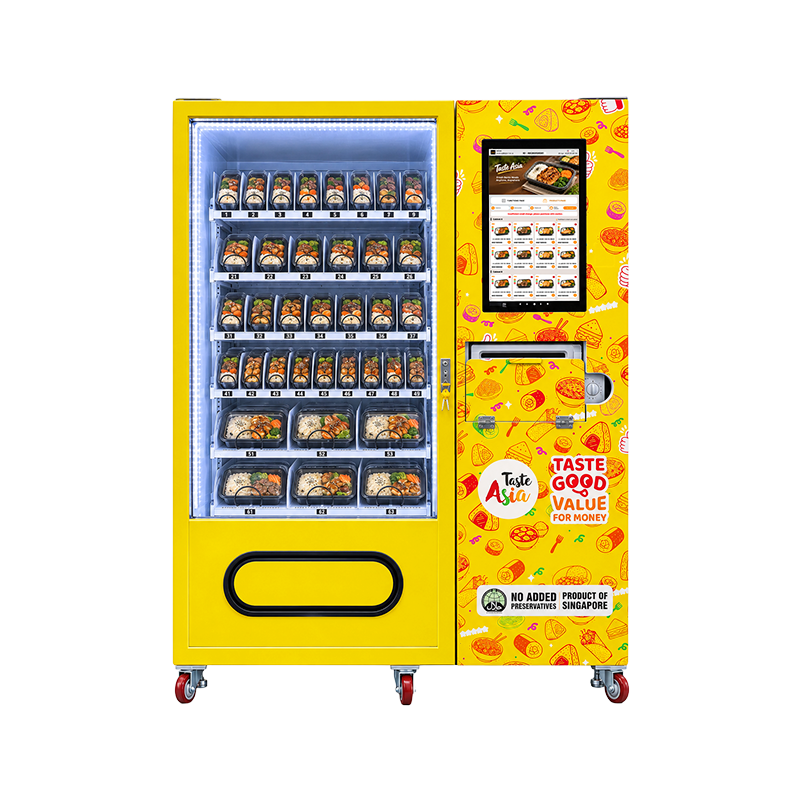
18-month warranty · 24/7 customer service · Customer-loaded microwave heating
A ready meal and a place to heat it.
Sell, collect, then heat.
The vending cabinet and microwave support two distinct steps.
Start with the meal tray.
Approve filled meal trays and the tested loading layout before ordering.
Choose a meal. Collect it. Heat it yourself.
Make the food easy to choose.
Customers can view product ingredients, brand information and other supported details, choose an interface language and complete self-service selection and payment.
Confirm the meal arrives correctly.
Demonstrate a paid sale through the installed delivery mechanism and lower collection opening.
A separate customer action.
After collecting the tray, the customer places the approved meal into the right-side microwave and follows the meal-specific instructions.
Can the machine cook raw meals or heat automatically before vending?
This configuration sells packaged prepared meals, then customers load the microwave. Raw-food cooking and automatic internal heating/transfer are not confirmed.
Customers view ingredient and brand information, select a language, buy and collect the meal, then load the right-side microwave themselves. Configure bank card, electronic wallet or QR payment for the local provider and currency. Test failed-vend, refund and stock-correction handling.
The pack is part of the machine configuration.
Measure what will be sold.
Provide tray length, width, height, filled weight and any sleeve or lid overhang.
Watch the complete movement.
Test release and collection at full and near-empty loading.
Make the microwave useful at the busy moment.
Use tested instructions for each meal.
Confirm microwave-safe packaging, tray clearance, permitted fill weight and the supplied oven controls.
Plan the queue as well as the sale.
One microwave can serve one approved load at a time unless the supplied unit states otherwise.
Keep the next customer’s turn ready.
Set a cleaning and inspection routine for the microwave interior, door, customer touchpoints and nearby collection area.
Can customers heat two meals together?
Heat multiple meals only if the supplied oven and validated meal procedure support that load. Multi-buy offers should account for shared heating capacity.
Storage control and heating do different jobs.
Order measurable storage performance.
Request the cabinet temperature range, ambient limits, sensor location, ventilation and loaded performance.
Give every batch a next action.
Use the supported near-expiry alerts and automatic markdowns with accurate batch/date entries.
Define what is switched.
Confirm whether remote on/off affects vending, refrigeration, lighting, the microwave or another circuit.
Remote refrigeration temperature adjustment and around-the-clock on/off control are supplied functions. Confirm installed equipment, temperature range, sensor readings, ambient limits and command scope. No numeric cooling performance or energy measurement is supplied.
Prepare the next load before you leave.
Bring the meals that are needed.
Keep each lane and SKU identifiable and record refills, removals and corrections.
Review the useful meal mix.
Compare meals by period, location and retained contribution.
Put follow-up in someone’s hands.
Automatic stock, sales and payment emails can help the operator act without keeping the dashboard open.
Included: real-time inventory monitoring, sales analysis and automatic inventory, sales and payment emails. Record refills/removals; confirm offline reconciliation, reports, fees and notification ownership.
Keep the offer clear and the margin visible.
Build an offer customers can follow.
Set supported multi-buy discounts with clear eligible items and quantities.
Suggest what fits the occasion.
Related-product recommendations based on customer preferences are included in the supplied brief.
Match the screen to today’s stock.
Play supported brand slogans and promotional information.
How do automatic near-expiry price reductions work in the plan?
Enter accurate batch dates, set warning and markdown rules, and test the price trigger and refill reset. Keep saleability and margin limits in the operating routine; markdowns do not guarantee clearance.
Supported: multi-item discounts, recommendations based on customer preferences, brand slogans/promotion playback, and night, holiday or non-business-period price schedules. Test eligibility, campaign priorities and charged prices.
Order online. Collect by code. Heat separately.
Customers can order on a merchant website or platform and collect using a pickup code. Confirm platform compatibility, integration fees, stock reservations and code validity. Test a valid, used or expired code and connection loss. The customer still loads the microwave after collection; microwave reservation is not specified.
Include code pickup in acceptance ↗What does one more meal leave behind?
See the formula and what it includes
Unit contribution = price × (1 − percentage charges ÷ 100) − food/pack cost − average heating cost − other variable cost. Monthly contribution = unit contribution × meals/day × trading days − fixed costs. Break-even meals/day = fixed costs ÷ trading days ÷ positive unit contribution, rounded up. Simple payback = initial outlay ÷ positive monthly contribution. Financing, depreciation and income tax are not modelled.
Will one microwave fit the meal rush?
How to read the heating load
Visits = peak meals × heating share ÷ 100. Work minutes = visits × station occupancy minutes. Load = work minutes ÷ window minutes × 100. Above 100% exceeds the window; a lower average can still produce queues. This is not a validated heating cycle or vending throughput.
Get the values that make the purchase comparable.
| Item | Known information | Confirm before ordering |
|---|---|---|
| Format | Packaged-meal vending cabinet with separate customer-loaded microwave service. | Confirm the complete equipment list and whether heating has any access control. |
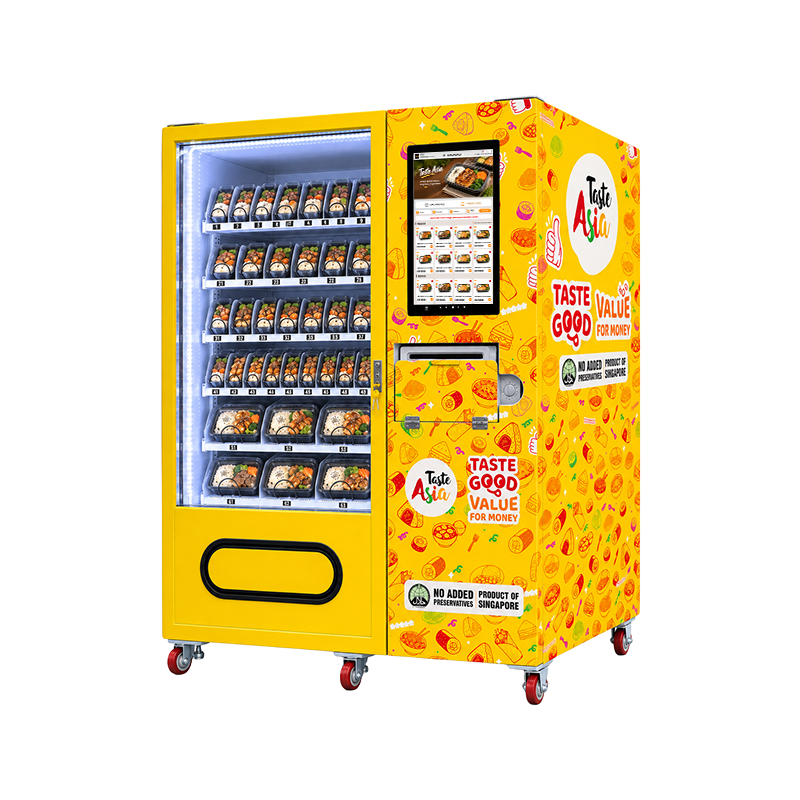
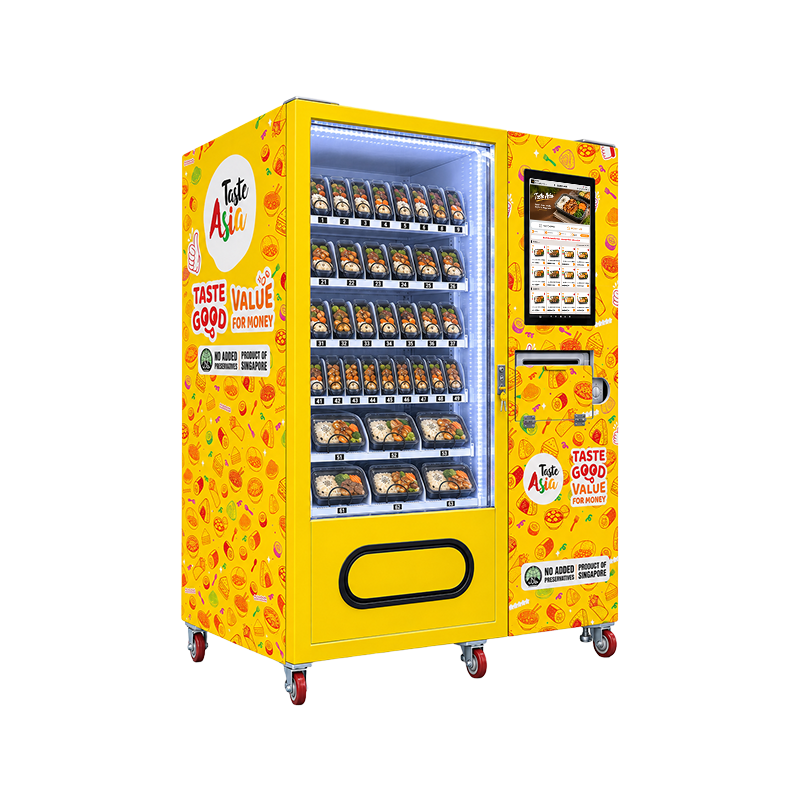
| Menu & stock | Meal trays in mixed shelf layouts are pictured. | Approve sample packs, lane mechanism and tested units by SKU. |
| Cooling | Remote refrigeration temperature control is a supplied function. | Confirm installed cooling, numeric range, ambient limits and readings. |
| Microwave | Separate customer heating after meal collection is confirmed. | Specify input/output power, cavity size, controls and approved tray tests. |
| Payment & network | Cards, electronic wallets and QR payment are configurable. | Specify local provider, currency, fees, connectivity and subscriptions. |
Request cabinet/packed dimensions, weight, power, voltage/frequency and combined electrical load, microwave output and cavity size, cooling range and installed vending mechanism. Include freight, installation, software, cleaning and route labour in your cost plan.
A bright, recognisable meal stop.
Custom interface appearance and display languages, branded wrap and an optional advertising lightbox can follow the yellow/orange Asian-food theme. Artwork claims about origin or ingredients must match your actual meals.
Choose a suitable workplace, staff facility or campus retail point with access, power, network, ventilation and room to collect and heat food. Check rent and refill travel against expected margin; no outdoor rating is established by the images.
18-month warranty. A practical support plan.
The supplied terms include free repairs and replacement parts within the 18-month warranty, optional extended warranty, preventive maintenance and 24/7 customer service with remote fault diagnosis.
Agree the service process before purchase
Agree warranty start, cabinet/microwave coverage, labour, freight and exclusions. Request operator and qualified-service maintenance schedules, support channels and escalation. 24/7 support does not specify a repair completion time.
Before the first lunch sale, test the whole service.
0 of 6 acceptance items selected.